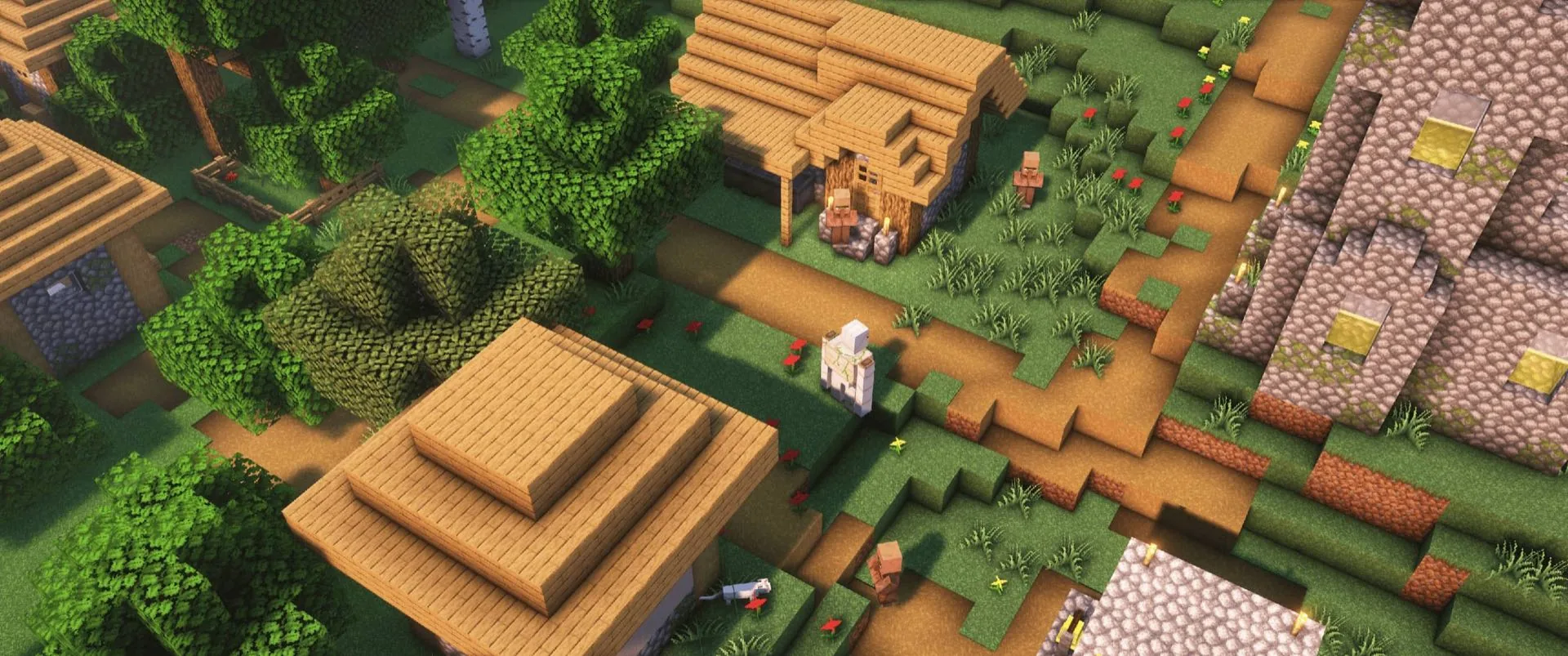
Download over 1,300 free PvP Texture Packs for Minecraft Bedrock and MCPE — Bedwars, Skywars, Crystal PvP and Mace packs in 16x, 32x and 128x, updated for the latest Bedrock versions (1.21–1.26). Every pack is a direct .mcpack download with no MediaFire links and no surveys, from creators like TheobaldTheBird, Swight, Marlow, Technolot 180K, Qaura 16x, NicoFruit 16x, Telly 60K, Flowtives 150K and Stewound Sound Pack.

riri X aero
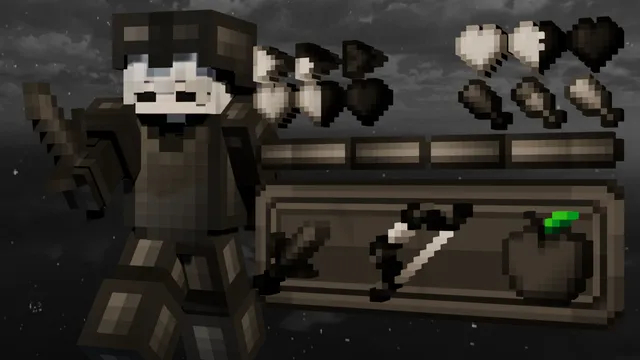
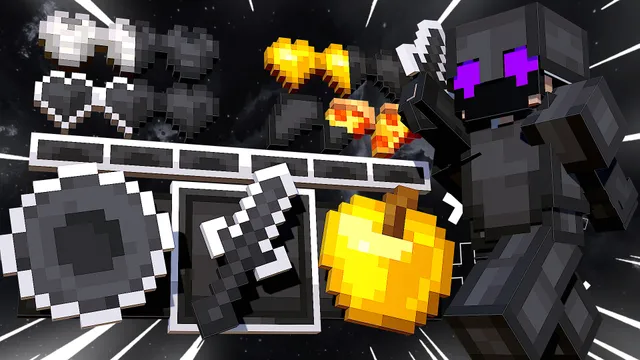
Recently Uploaded Packs
The latest texture packs uploaded by our community. Fresh content added every day.
![Snowfall [16x]](https://sdn.texturepack.be/packs/snowfall_16x/724afd7f-071b-4741-a939-6f24baa5e48d/cover.webp)
Everything You Need for Bedrock PvP
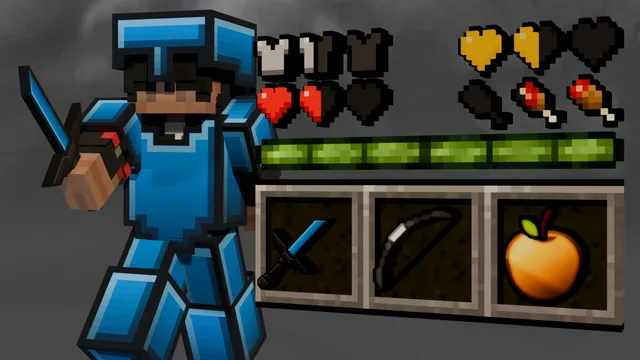
Download the best PvP Texture Pack Bedrock collection at Texturepack.BE. Our Minecraft Bedrock PvP Texture Pack library offers free MCPE PvP Texture Pack downloads, Bedrock PvP Resource Packs and Bedwars Texture Packs in 16x, 32x and 128x — optimized for competitive gameplay on mobile, PC and console.
Pack Gallery
Find a Texture Pack by browsing our website through the search or a recommendation section or by direct link.
Browse Packs →Java → Bedrock Converter Bot
Convert Java Texture Packs to Bedrock in seconds with our Discord bot. Use any Pack you want.
Invite Bot →Community & Support
Join our Discord for unlimited conversions, updates, and help us improve the project.
Join Discord →The TexturepackBE ecosystem brings together our community.
TexturepackBE is evolving to be more than just a platform. It supports an entire ecosystem, from texture packs to the tools and community helping creators and players thrive.
It supports an entire ecosystem, from texture packs to the tools and community helping creators and players innovate.
Packs Available
Total Downloads
Using TexturepackBE has been a game-changer for our content. It's the perfect fusion of simplicity and variety, enabling us to find textures that are as stunning as they are performance-friendly.
YockerFX, Founder
Frequently Asked Questions
- How do I download and install a Texture Pack on Bedrock?
- Browse or search for a pack, click the download button to get the .mcpack file, then tap or double-click it. Minecraft will open and import it automatically. On iOS, use 'Open with Minecraft'. Once imported, go to Settings > Global Resources and activate the pack. Works on mobile, PC, Xbox, and PlayStation.
- Are all Texture Packs on TexturepackBE free?
- Yes, every Texture Pack on TexturepackBE is completely free to download. Our community creators upload packs for everyone to enjoy. You can browse, download, and use any pack without paying, on any device.
- What's the difference between 16x, 32x, and 128x resolution?
- The number refers to pixel resolution per block face. 16x matches Minecraft's default and runs smoothly on all devices. 32x offers more detail but may reduce FPS on lower-end devices. 128x is the most detailed but requires a powerful PC. Most competitive players choose 16x for maximum performance.
- Do the packs work on MCPE and all Bedrock devices?
- Yes! MCPE and Minecraft Bedrock Edition are the same platform. Every pack on TexturepackBE works on Android, iOS, Windows, Xbox, and PlayStation. Just download the .mcpack file and import it. No extra steps needed.
- Can I convert a Java Texture Pack to Bedrock?
- Java and Bedrock use different file formats, so packs need to be converted. TexturepackBE offers a free Java to Bedrock Converter Bot on Discord that handles the conversion in seconds. Join our Discord server and use the bot to convert any Java pack to Bedrock instantly.
- What's the best texture pack for Crystal PvP, Mace and SMP?
- For Crystal PvP and Mace fights on Minecraft Bedrock 1.21 and newer (up to 1.26), pick a pack with clean explosion particles, low fire, bright end crystals and clear totem textures — our Crystal PvP collection ranks the most-downloaded options. Most Crystal PvP and SMP players run 16x packs for maximum FPS, and every pack downloads free as a .mcpack for MCPE, Windows, Xbox and PlayStation.
- What is the best PvP texture pack for Minecraft Bedrock right now?
- It depends on your gamemode and device. The most-downloaded packs on TexturepackBE are 16x packs from creators like Marlow, Swight, Qaura and TheobaldTheBird — the Discover page ranks every collection live by downloads, so the current community favorites are always at the top. On low-end phones choose a 16x FPS-boost pack; for recording or high-end PCs a 32x or 128x pack looks sharper.