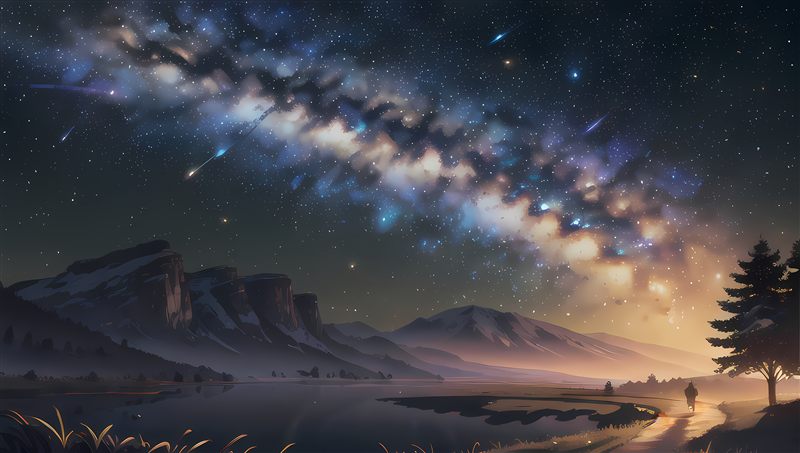
Turn any panorama into a Minecraft Bedrock sky
Upload an equirectangular 360° image, look around the converted cubemap and download a ready-to-import .mcpack.
Drag and drop your panorama
Equirectangular 360° image (2:1) · PNG, JPG or WebP · max 50MB
Fuses the left & right edges so there's no seam behind you. Turn to 0 for a true 360° panorama.
Your interactive sky preview will appear here
How the conversion works
Cubemap projection. Bedrock renders the overworld sky as six square textures wrapped around the world — the generator projects your equirectangular panorama onto all six faces with smooth bilinear sampling.
Look around live. Drag the preview to look around and scroll to zoom, exactly as the 360° horizon wraps around you in game.
Seamless edges.Edge blend fuses the left and right sides so there's no visible seam behind you. Turn it to 0 for a true equirectangular 360° panorama.
Ready to install. Export at 1024 or 2048 px per face, then open the .mcpack and it installs itself. Want a matching totem? Try the Totem Generator.
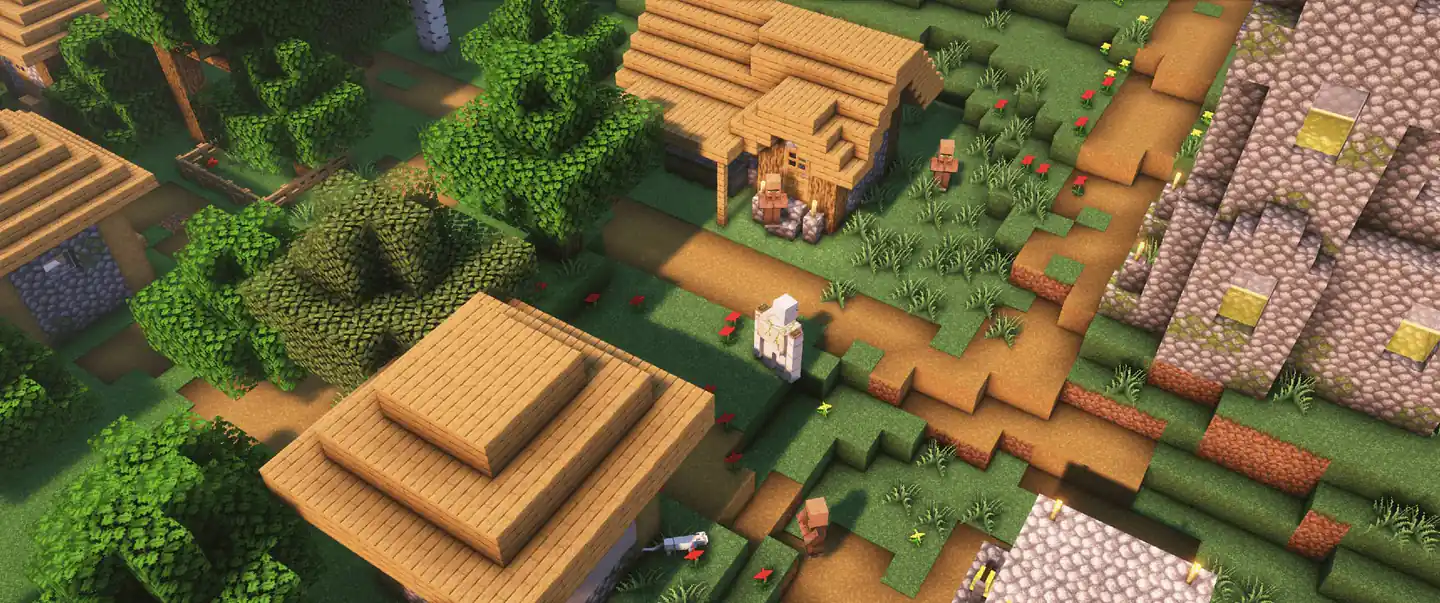
Totem Generator
Make a custom Totem of Undying from your Minecraft skin, a meme or a GIF.
Cape Maker (Win)
Design a custom Minecraft Bedrock cape and export it as a Windows .mcpack.
Pack Converter
Convert Java resource packs to Bedrock .mcpack automatically, in your browser.
Mixpack Generator
Mix textures from multiple Bedrock packs into your own custom .mcpack.
Advanced Pack Maker
Browse pack textures like files and pick your own version of every single one.
Discover more tools
More free browser tools for Minecraft Bedrock texture packs — no install, no signup. Pick another and build your next pack in seconds.